Detail
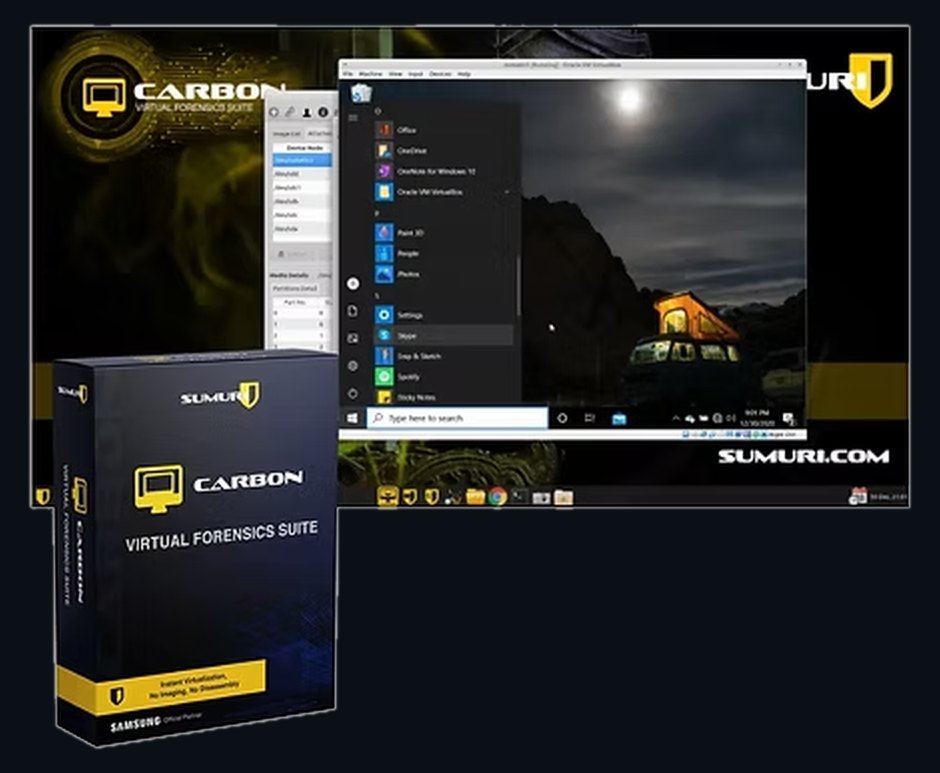
SUMURI CARBON
CARBON
The usual order of work is: seize the machine, take the drive out, image it, then examine the image. CARBON removes the first three steps. It virtualises the Windows computer as it stands, with no imaging and no disassembly, and there is no configuration to set up beforehand — a machine can be booted in minutes.
On the way in it deals with the two things that usually stop this working: it bypasses the user logon password, and it works around awkward hardware configurations. It will also virtualise both common and uncommon forensic and virtual machine image types, so an image you already hold can be booted too.
CARBON includes RECON for Windows, which identifies and parses Windows artefacts on its own, together with a customisable data carver and file search tools.
Features
- Instantly virtualise thousands of Windows devices — no imaging, no disassembly
- The largest support for virtualising forensic images and VM images
- Automatically bypasses Windows logon passwords and hardware conflicts
- Documents the investigation with built-in video or screenshots
- Includes RECON for Windows — automatic Windows forensics
- Advanced artefact timeline analysis
- Over 1,000 customised reports in PDF, HTML, CSV and XML
- Customisable advanced file search — keywords, signatures and names
- Customisable advanced data carving
- Software write-blocker and imager included
- Supplied on a Samsung T3 250 GB USB 3.1 external drive
Source: Manufacturer brochure, 2 pages
Also in Data Recovery & Digital Forensics
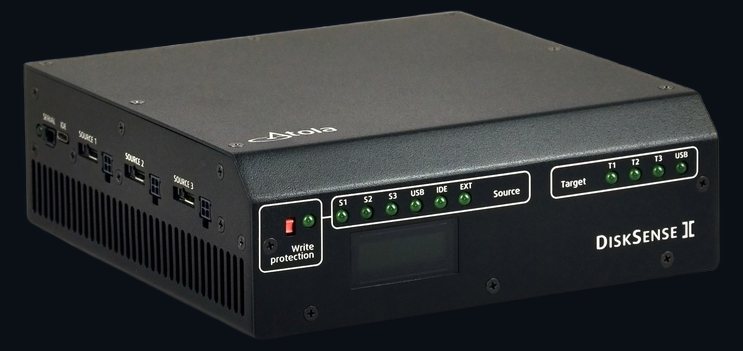
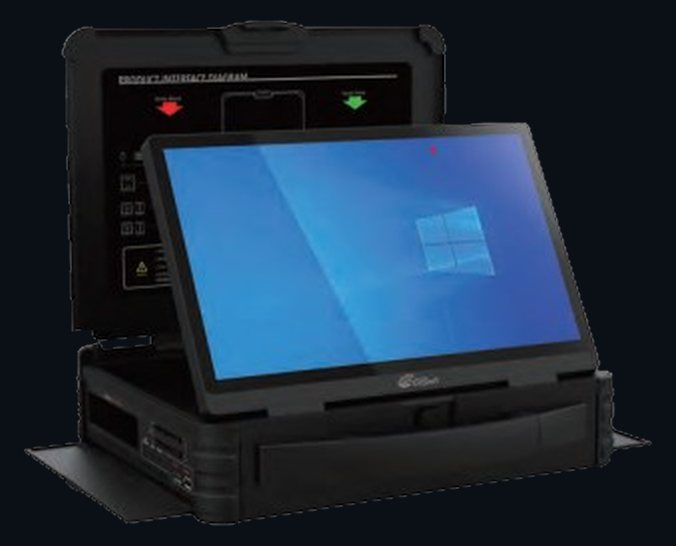
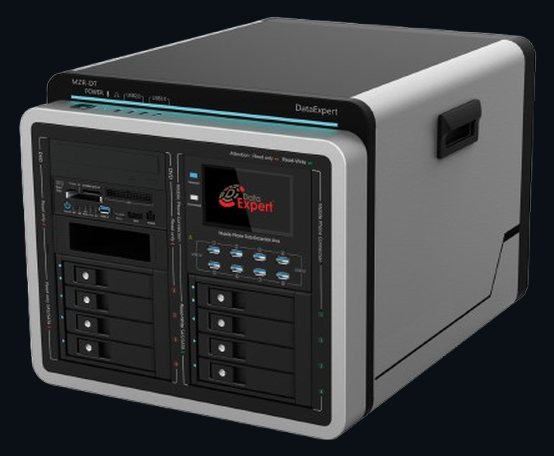
Specify the right unit.
Tell us the media you meet, the volumes you handle and where the work happens, and we will tell you which of these you actually need — and which you do not.